HorsFlux interrupts compulsive scrolling on Android. After the time you choose, the screen stops and asks you a simple question: is this really what you want to be doing right now?
Get it on Google PlayFree · Android 10 and up · No account
How it works
You pick your apps
Instagram, TikTok, YouTube… the ones where time slips by unnoticed.
You choose your threshold
5, 10 or 20 minutes. Then you use your phone as usual.
The pause arrives
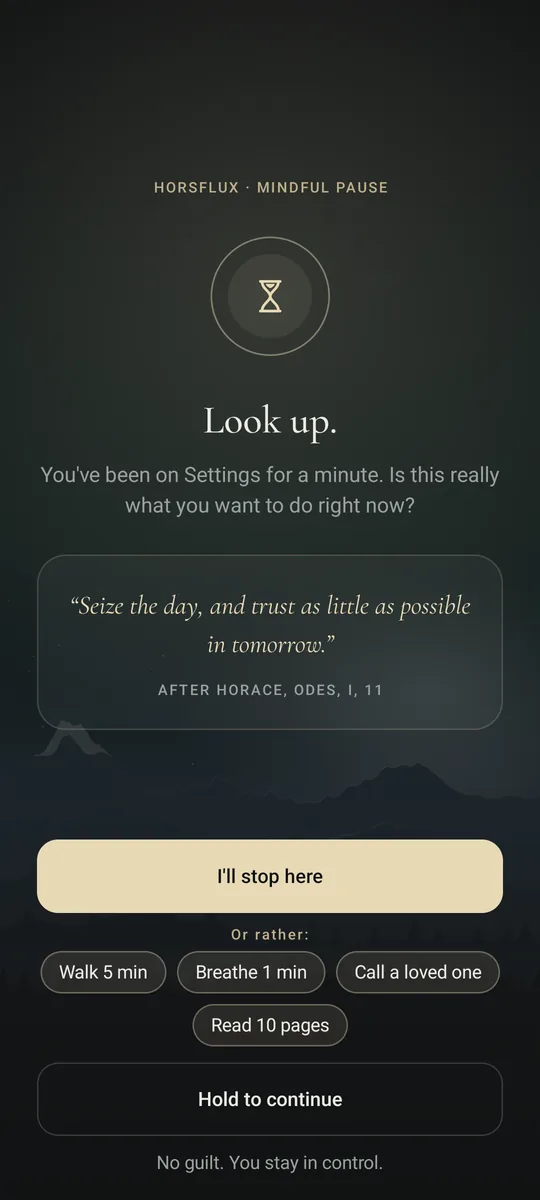
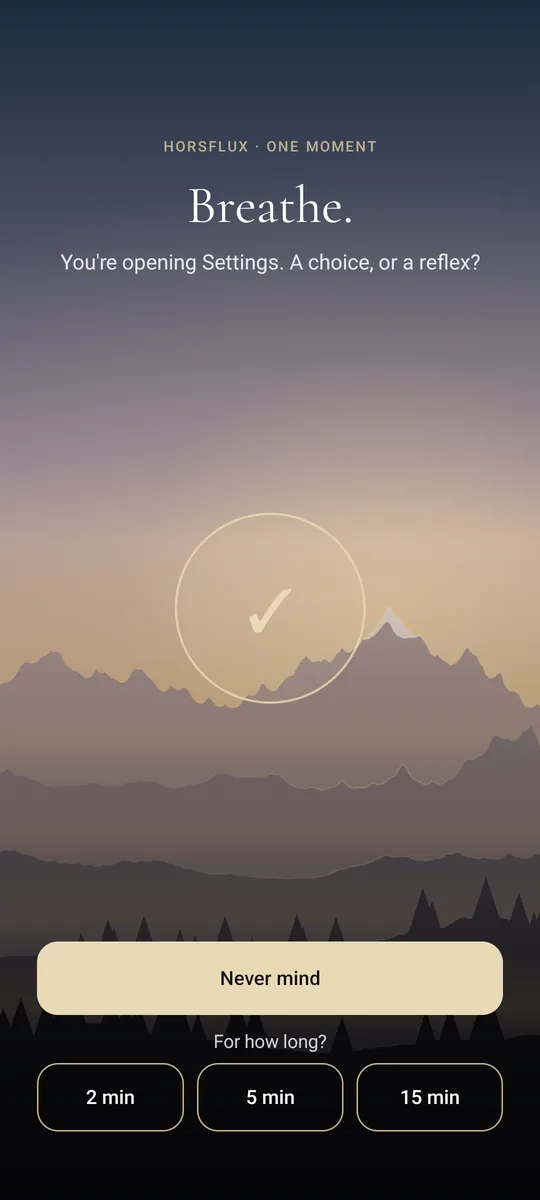
A calm landscape, a quote, a question. Stop there, or keep going by holding the button: you decide.
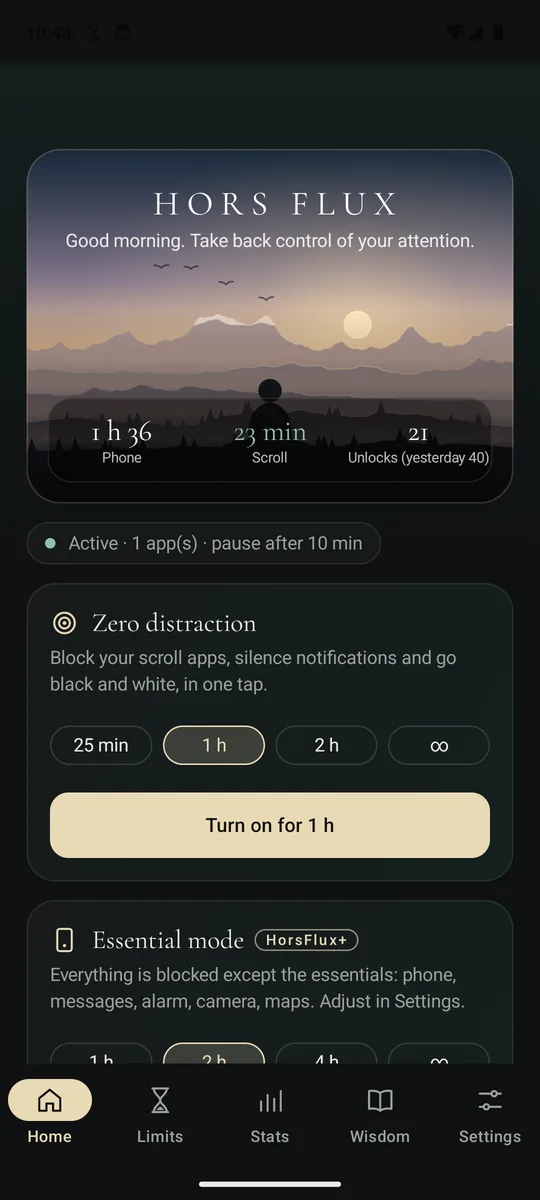
What you'll see
Free, and room to go further
Free, forever
- The mindful pause on 3 apps
- A daily time goal
- The opening delay
- Zero distraction mode
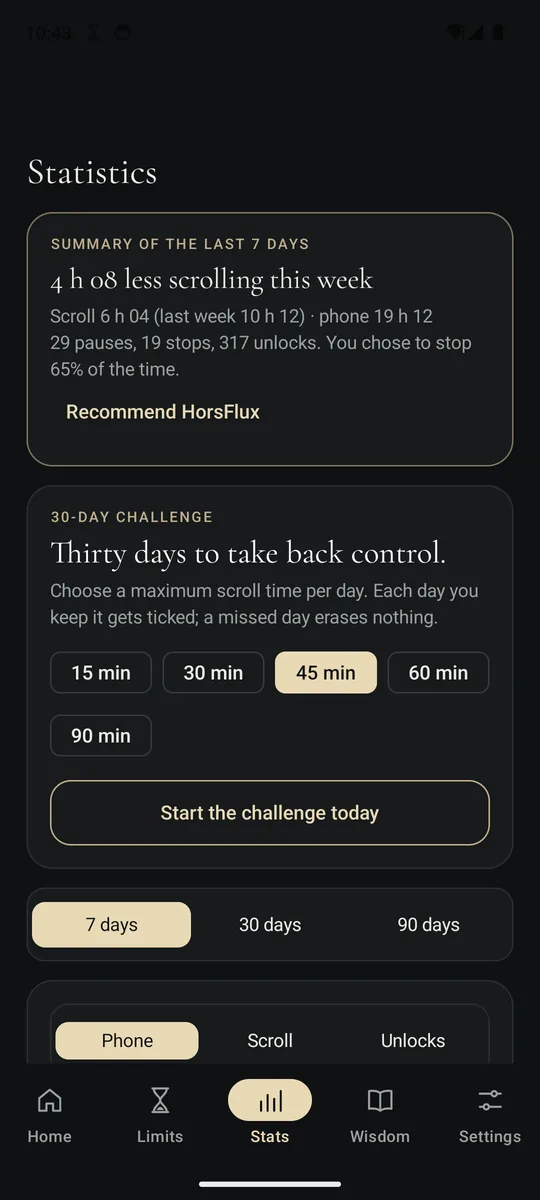
- The 30-day challenge
- A gentle or wake-up pause
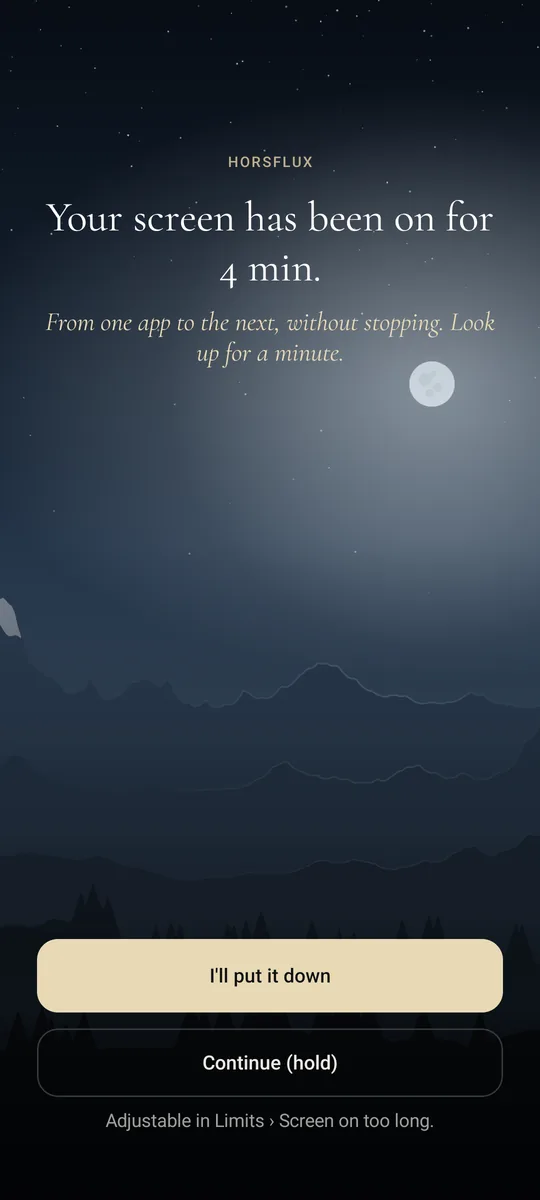
- The screen-on-too-long alert
- 30-day statistics
HorsFlux+
- As many apps as you like
- Open with an intention
- A daily limit for each app
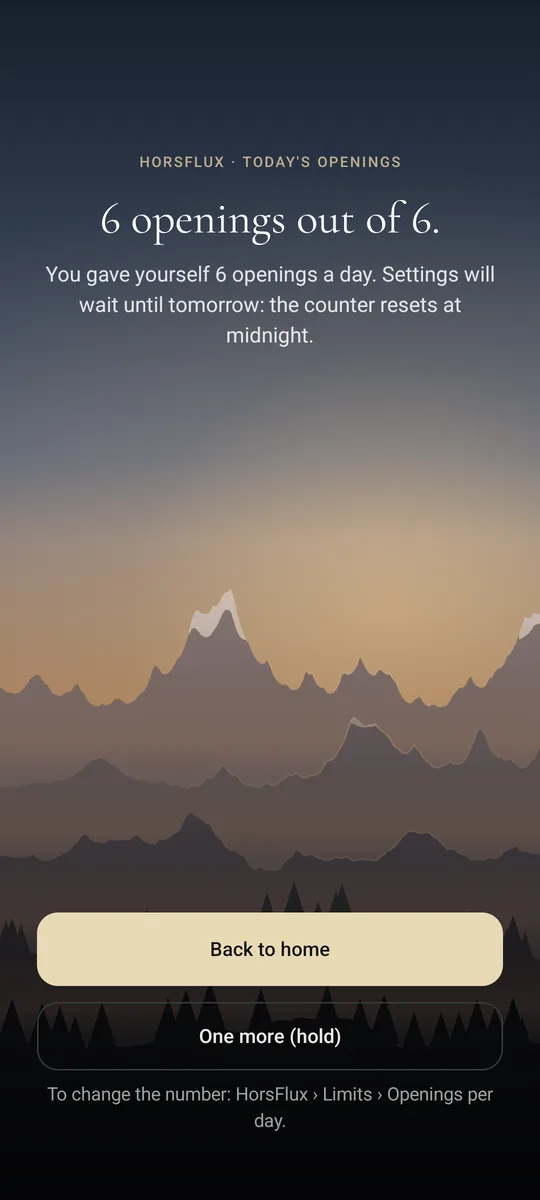
- A number of openings per day
- Essential mode
- Up to 3 schedules
- Strict and total strict mode
- 90-day statistics
Monthly, yearly or lifetime, with a 7-day free trial. Payment and cancellation through Google Play.
Nothing leaves your phone.
- No account, no ads, no trackers.
- HorsFlux sees the name of the open app, never what it shows.
- Your statistics stay in the app, 90 days at most, and erase in one tap.
Questions
Why does HorsFlux ask for accessibility?
On Android, it's the only way to know which app is in the foreground and to show the pause on top of it. The configuration forbids HorsFlux from reading screen content: no text, images or messages.
The pause no longer shows on my Xiaomi or Samsung.
Some phones close background apps to save battery. Open HorsFlux: the setup guide shows the settings for your brand (autostart, unrestricted battery). HorsFlux also warns you with a notification if it has been stopped.
What about calls?
No pause and no blocking during a call, even one made from Instagram or WhatsApp. Call time isn't counted as scrolling.
How do I cancel HorsFlux+?
In Google Play › Profile › Payments & subscriptions › Subscriptions, or from the app (HorsFlux+ page › Manage subscription). Cancellation takes effect at the end of the period already paid.
How do I erase my data?
In HorsFlux › Settings › Privacy › Erase statistics, or by uninstalling the app. Nothing is kept anywhere but on your phone.
Is there an iPhone version?
Not yet: HorsFlux runs on Android 10 and up.